Android app for FTTH franchises
FTTH Toolkit
Network records for FTTH broadband franchise owners and their technicians, for any provider. Keep your joints, cables, splitters, photos and faults in one place.
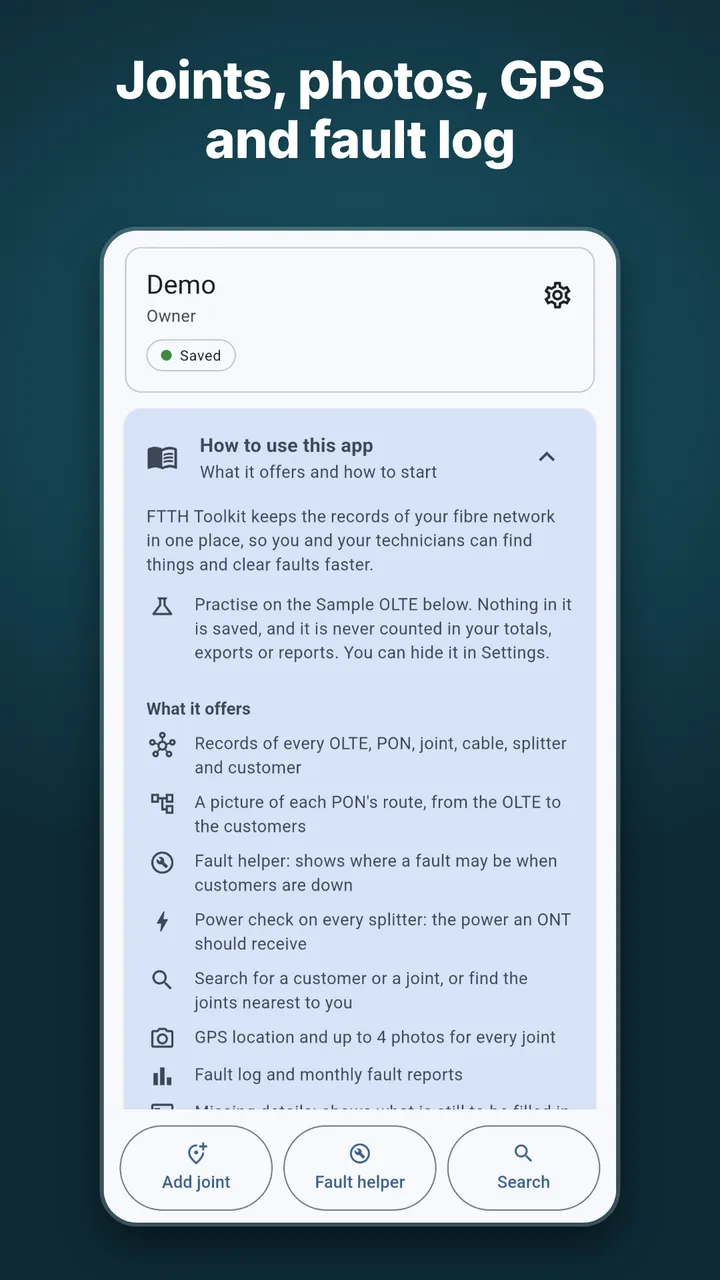
What FTTH Toolkit does
- Records of everything. Every OLTE, PON, joint, cable, splitter and customer reference, in one place.
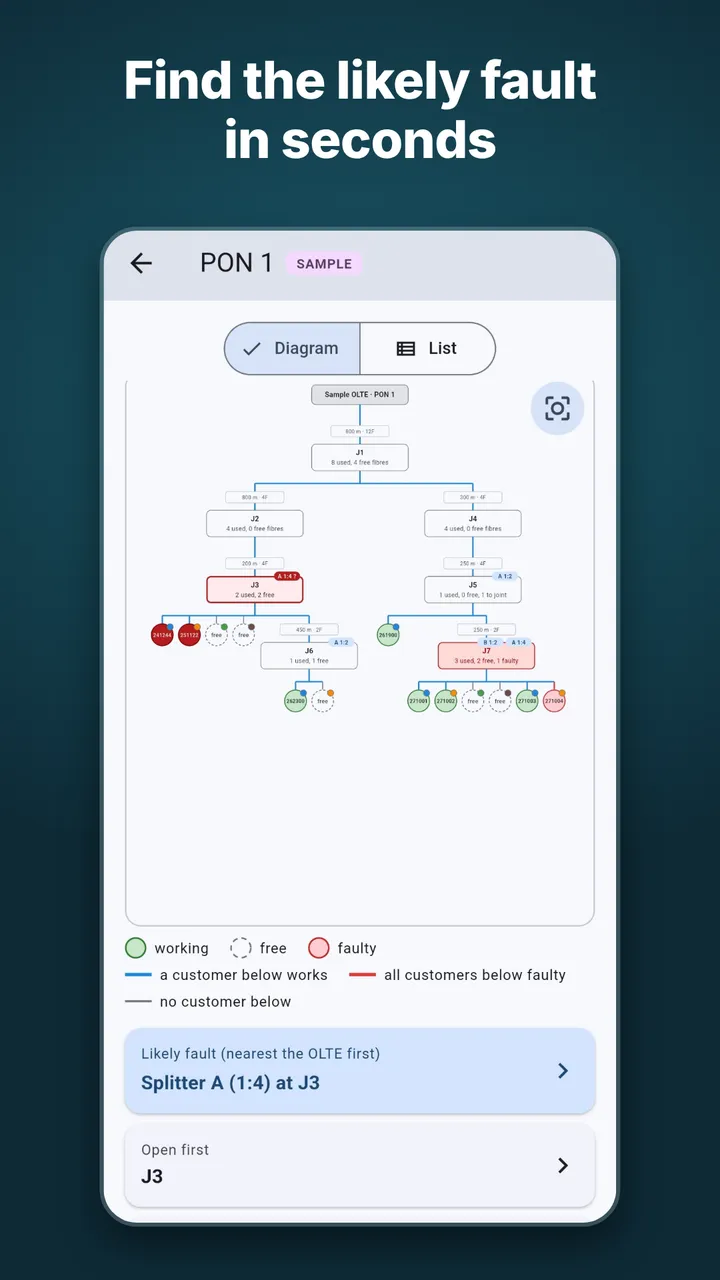
- Route pictures. A diagram of each PON route, from the OLTE down to the customers. You can share a route as an image.
- Fault helper. Mark the customers that are down, or enter an OTDR reading, and it shows where the fault is likely to be.
- Splitter loss and ONT power. See the power an ONT should receive at each splitter.
- Search and nearby. Find a customer reference or a joint, or see the joints nearest to you.
- GPS and photos. Save a GPS position and up to 4 photos for every joint.
- Fault log and reports. Keep a fault log and see faults by month and cause.
- Missing details. See what is still to be filled in.
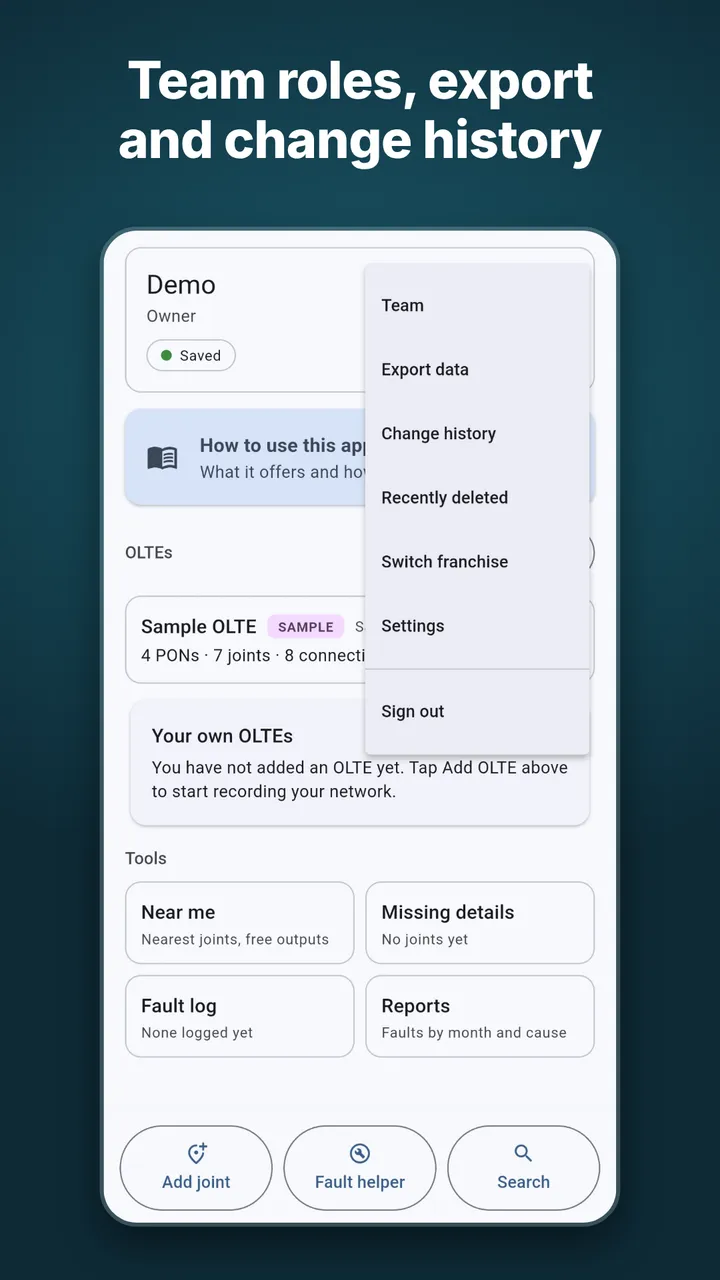
- Team and history. Team roles for the owner and technicians, and a change history.
- Export. Export your data to CSV and PDF.
- Your language. English, Telugu and Hindi.
- No ads, no tracking.
Screenshots
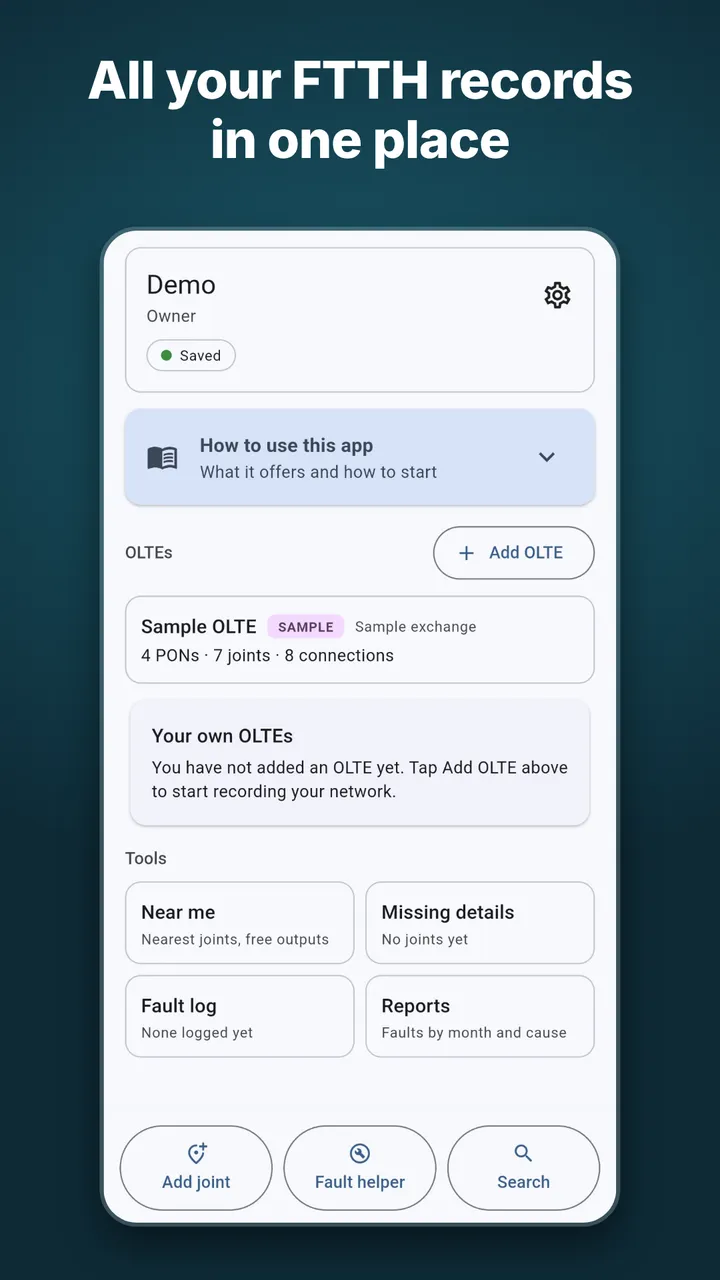
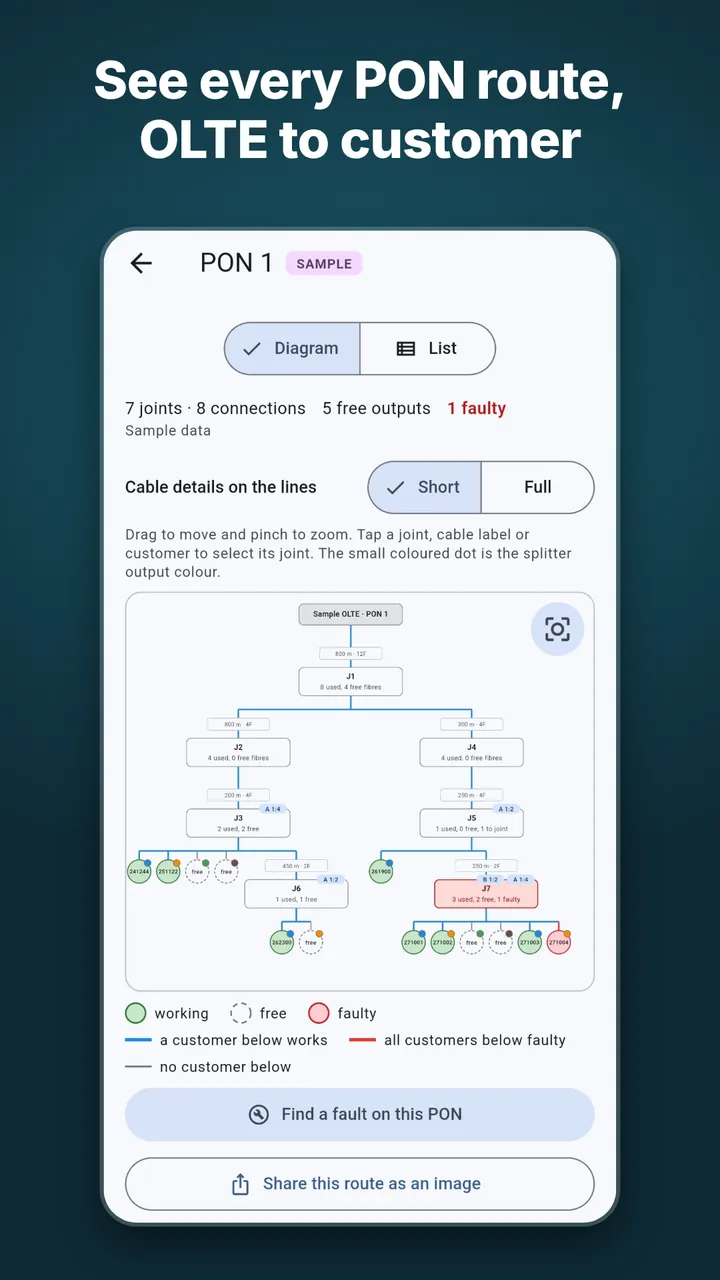
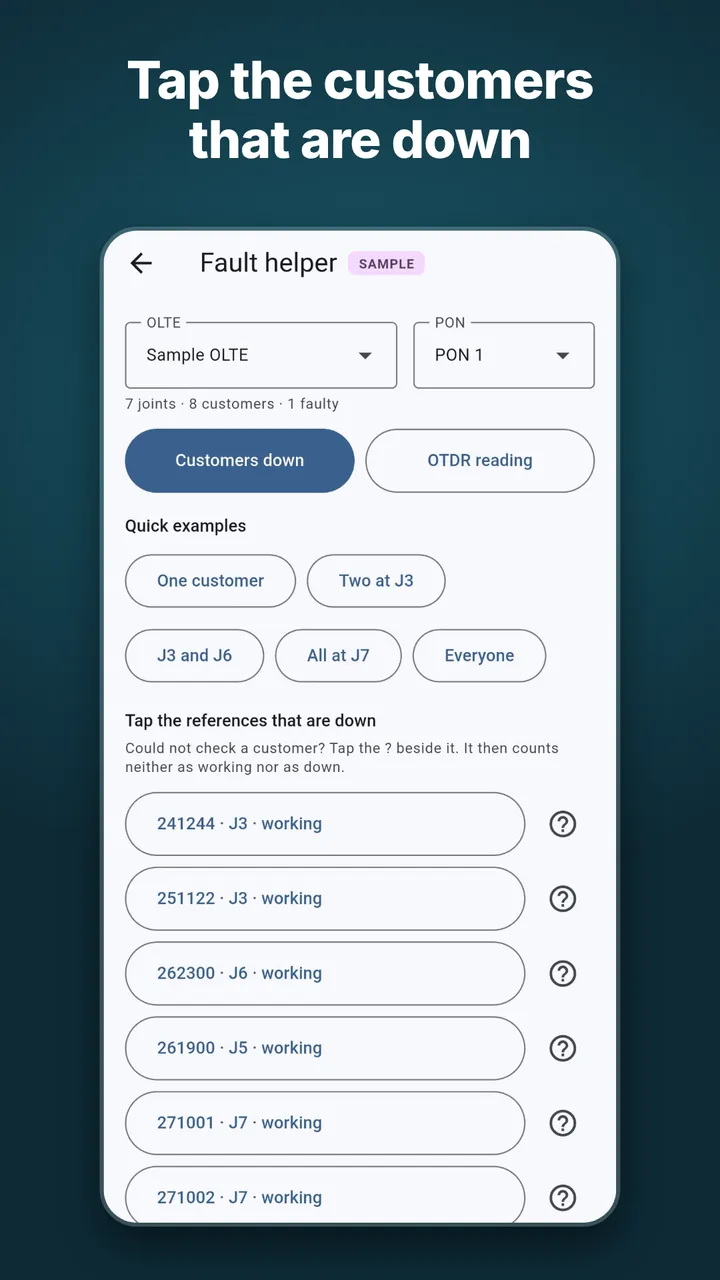
Screenshots use sample data from inside the app.
How to use it
- Open the app and look at the Sample OLTE first. It is only for practice. Nothing in it is saved or counted in your totals, exports or reports, and you can hide it in Settings.
- Tap Add OLTE to start recording your own network.
- Tap Add joint to record a joint with its GPS position and photos.
- Open a PON to see its route as a diagram. Tap a joint or a customer in the diagram to select it.
- When customers report a fault, open Fault helper. Choose the OLTE and PON, then tap the customers that are down, or switch to OTDR reading and enter the distance.
- Check the joint it points to first, and record the fault in the fault log.
Questions and answers
Who is FTTH Toolkit for?
FTTH broadband franchise owners and their technicians. It is not tied to one provider, so it can be used with any provider's network.
Does it keep customer names or phone numbers?
No. You record only a short reference number for each customer on a splitter output. Please do not type customer names or phone numbers into the app.
Does the fault helper find the exact fault?
No. It shows where a fault is likely to be, nearest the OLTE first, using the customers you mark as down or an OTDR reading. It is a guide to which joint to open first, and you still check on site. An OTDR measures fibre length, which is longer than cable length because of slack loops.
Can my technicians use it too?
Yes. The app has team roles for the owner and technicians.
Can I export my records?
Yes. You can export your data to CSV and PDF, and share any PON route as an image.
Which languages does it support?
English, Telugu and Hindi.
Does it show ads or track me?
No ads and no tracking. To see exactly what is stored, read the privacy policy.
How do I delete my account?
Follow the steps on the delete account page.
When will it be on Google Play?
Soon. The app is being tested now. This page will get the Google Play link as soon as it is available.
Contact
For questions, help with the app or privacy requests, write to us at:
FTTH Toolkit is made by GSK Studio.